Common Work Area Controls
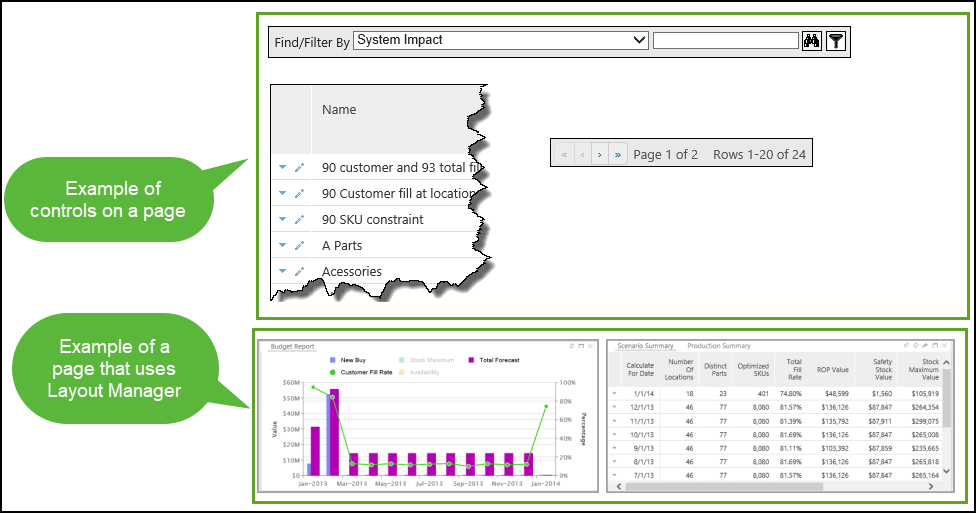
The following are some commonly used controls you may see in the work area.
|
Tool
|
Label
|
Description
|
||
|---|---|---|---|---|
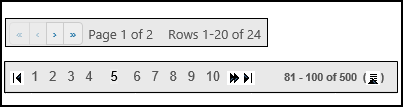 |
Pagination
|
Use the pagination icons to navigate from page to page when there are too many records to fit on one page.
|
||
 |
Filter By
|
Click this button to display a list of filter options. Select one of the options to filter the records displayed on the page or container
|
||
 |
Find/Filter By
|
The Find/Filter By box is used to search a page and filter a page.
|
||
 |
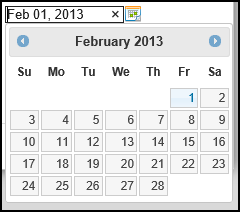
Select a Date
|
For date fields, you can click the calendar button to open a tool for selecting a date from a calendar.
 |
||
 |
Edit
|
Click this button to open a pop-up window where you can edit information. The window that opens contains specific information for the page for which it belongs.
|
||
 |
Find
|
Click this button to open the Find window, where you can enter selection criteria to search and find matching records.
|
||
  |
Add
Remove
|
These icons are on the Configure window and are used to move fields to between the Available and Selected lists.
|
||
    |
Move To Top
Move Up
Move Down
Move To Bottom
|
These icons are on the Configure window and are used to move fields up and down in the display order and sort order.
|
||
  |
Sort Ascending
Sort Descending
|
These icons are on the Configure window and are used to set the sort order of the selected column.
|
||
 |
Hide the toolbar
|
Click this button to hide a toolbar on a container.
|
||
 |
Toggle Sort Direction
|
This button is on the Configure window and is used to change the sort direction from ascending or descending.
|
||
 |
View
|
Click this button to view specific details about the corresponding item.
|
